You know who should be in your building. The hard part is making sure the doors know it too.
Maybe keys have gone missing, or a door code has been shared so widely it's barely a code at all. Or you're responsible for a school, care home or block of flats and want people safe without turning every door into an obstacle.
An access control system decides who can open which doors, and when. There are several ways to do it, and the right choice depends far more on your building and its people than on the latest gadget. This guide covers the main types of access control systems, who each suits, how they must work with your fire alarm, and what to check before you commit.
SAFE Fire & Security Systems Ltd is a Halesowen-based, NSI approved fire, security and electrical company providing commercial fire alarms, emergency lighting, extinguishers, CCTV, intruder alarms and access control across the West Midlands.
What an access control system actually does
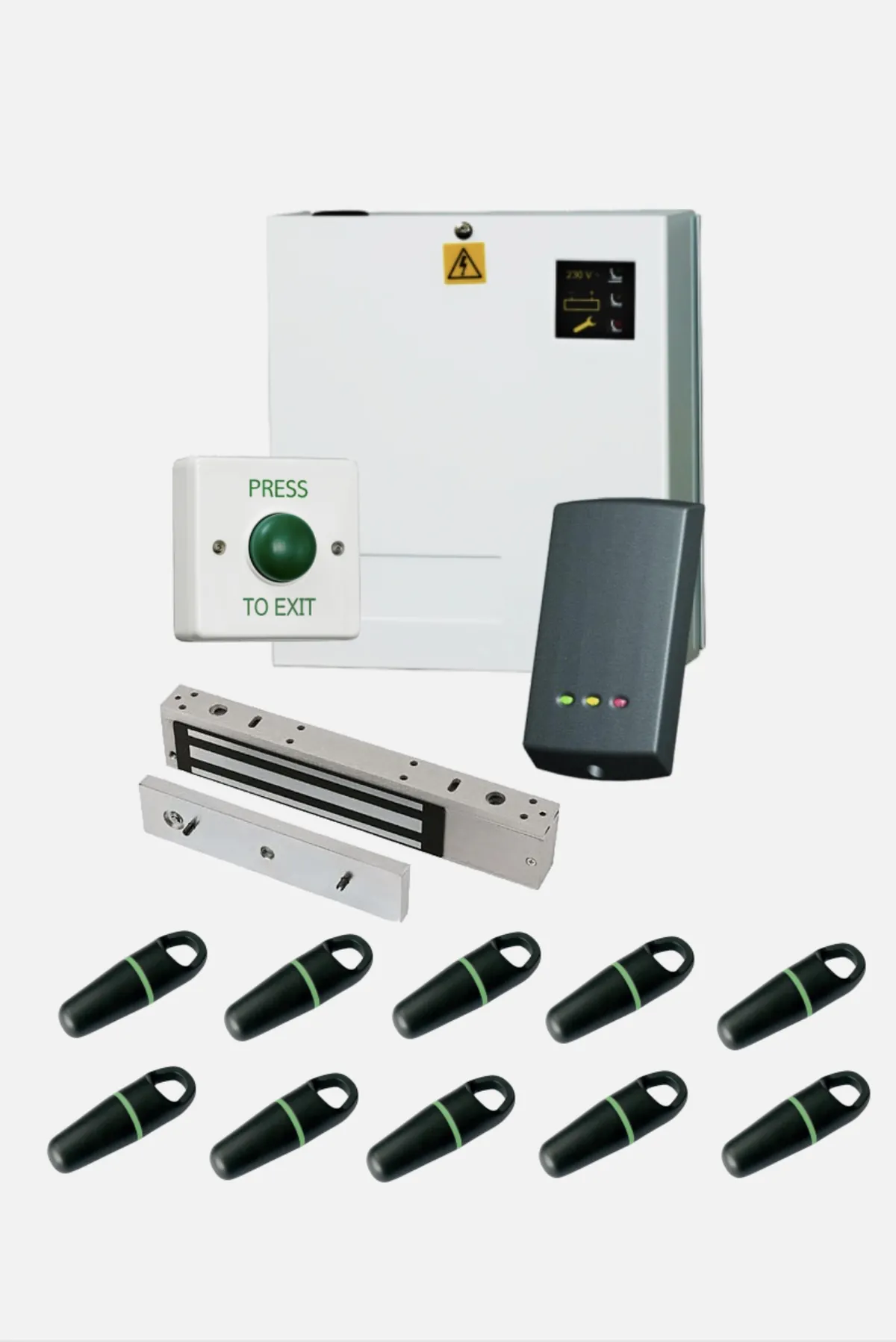
Every system, however simple or advanced, has the same few building blocks:
- A credential: what a person presents to prove they're allowed in (a card, fob, PIN, phone or fingerprint).
- A reader: the device by the door that checks the credential.
- A controller: the "brain" that decides yes or no, based on rules you set.
- A locking device: usually a magnetic lock or an electric strike that holds or releases the door.
- A way out: an exit button or handle, plus an emergency release.
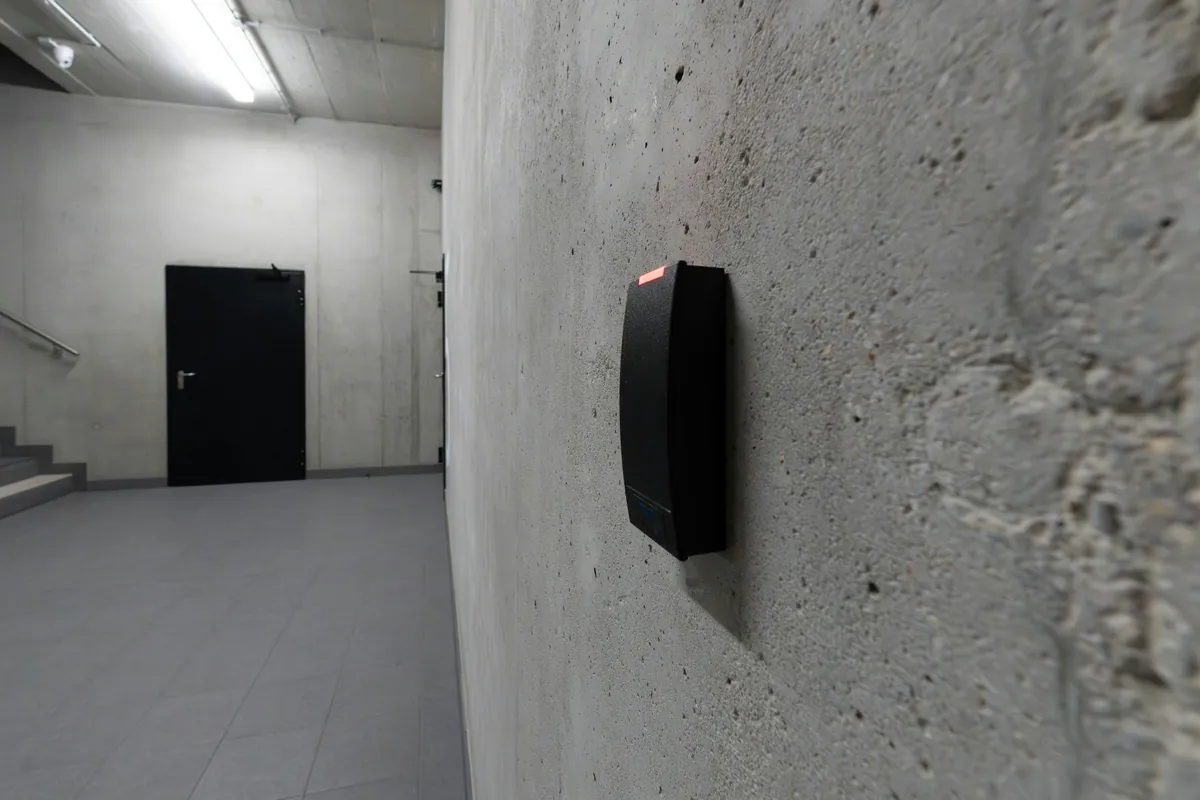
A standalone system runs a single door with its own settings. A networked system links many doors to software, so you can manage users, schedules and event logs in one place, often through the cloud if you have more than one site.
The main types of access control systems
Card and fob access control
This is the most familiar type. Each user carries a card or key fob, holds it near the reader and the door releases if their permissions allow it.
Why people choose it
- Lost or stolen? You delete that one credential in seconds, with no need to change locks.
- Each card is linked to a named person, so the event log shows who used which door.
- Easy to give different groups different permissions and time windows.
What to watch
- Cards and fobs can be lent, lost or left at home.
- Older proximity technology can be easier to copy. Modern encrypted smart cards are harder to clone, so it's worth asking what technology is being proposed.
Often a good fit for: offices, schools and academies, care homes (for staff), industrial units and apartment block entrances.
Keypad and PIN access control
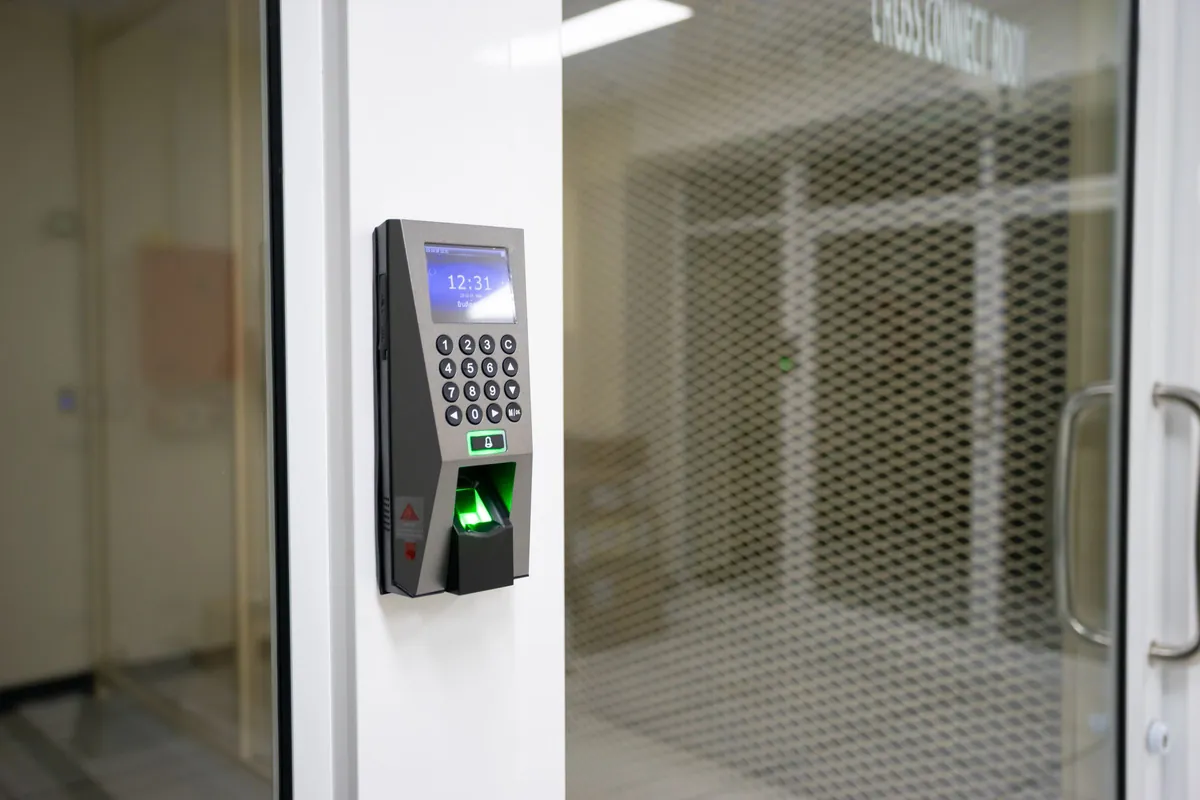
The user types a code into a keypad. It's quick to set up and there's nothing to carry.
Why people choose it
- Nothing to issue, lose or replace.
- Good for low-risk internal doors such as stores, plant rooms or staff kitchens.
- Codes can be changed quickly.
What to watch
- Codes get shared, and they can be watched over a shoulder.
- If several people share one code, the log can't tell you who actually came in.
Often a good fit for: small teams, back-of-house areas, and as a second check alongside a card on more sensitive doors.
Mobile credential access control
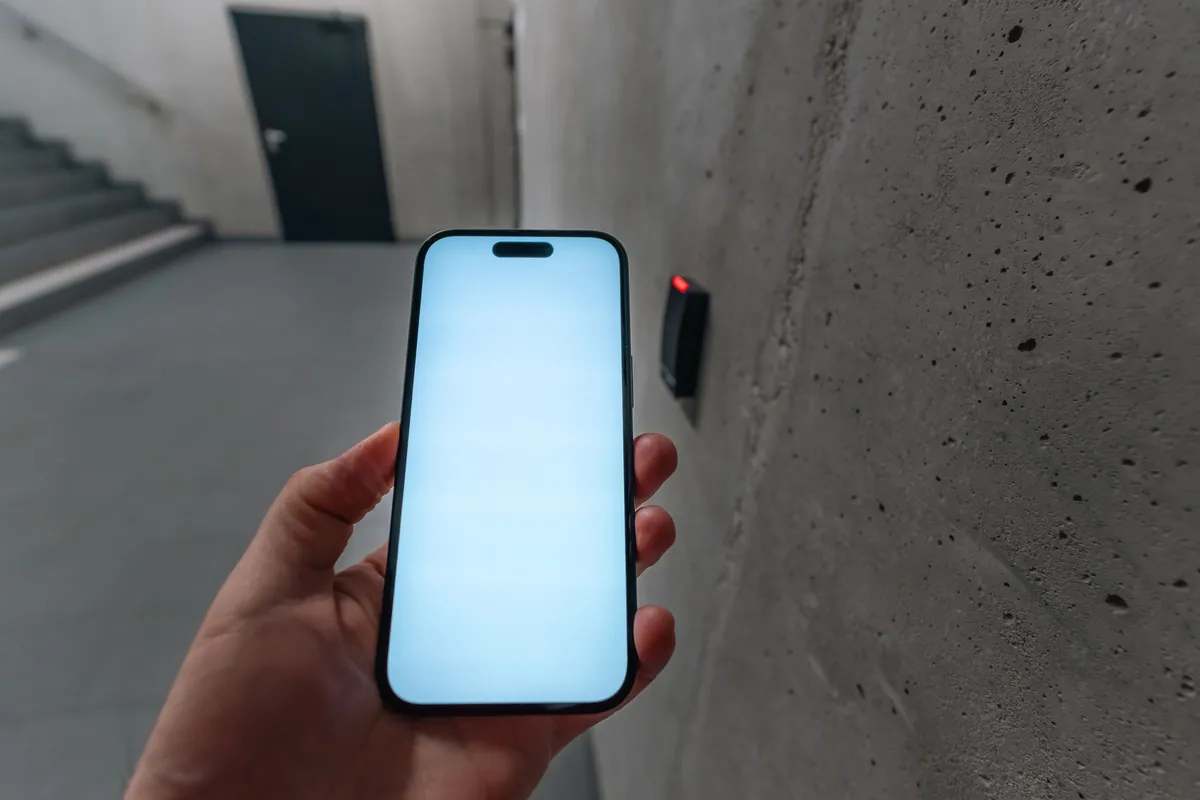
Here the user's smartphone becomes the key, using Bluetooth or NFC through an app or digital wallet. Credentials can be sent and cancelled remotely.
Why people choose it
- Most people already carry their phone, and they tend to notice quickly if it's missing.
- Access can be granted or removed without anyone visiting site, which suits managing agents and multi-site organisations.
What to watch
- Not everyone has, or wants to use, a personal smartphone for work. You'll need an alternative for those people.
- A flat battery can mean a locked-out user, so a backup method is sensible.
- Ask how any ongoing software or licences are managed.
Often a good fit for: offices, managed workspaces, HMOs and apartment blocks, and organisations with several buildings.
Biometric access control
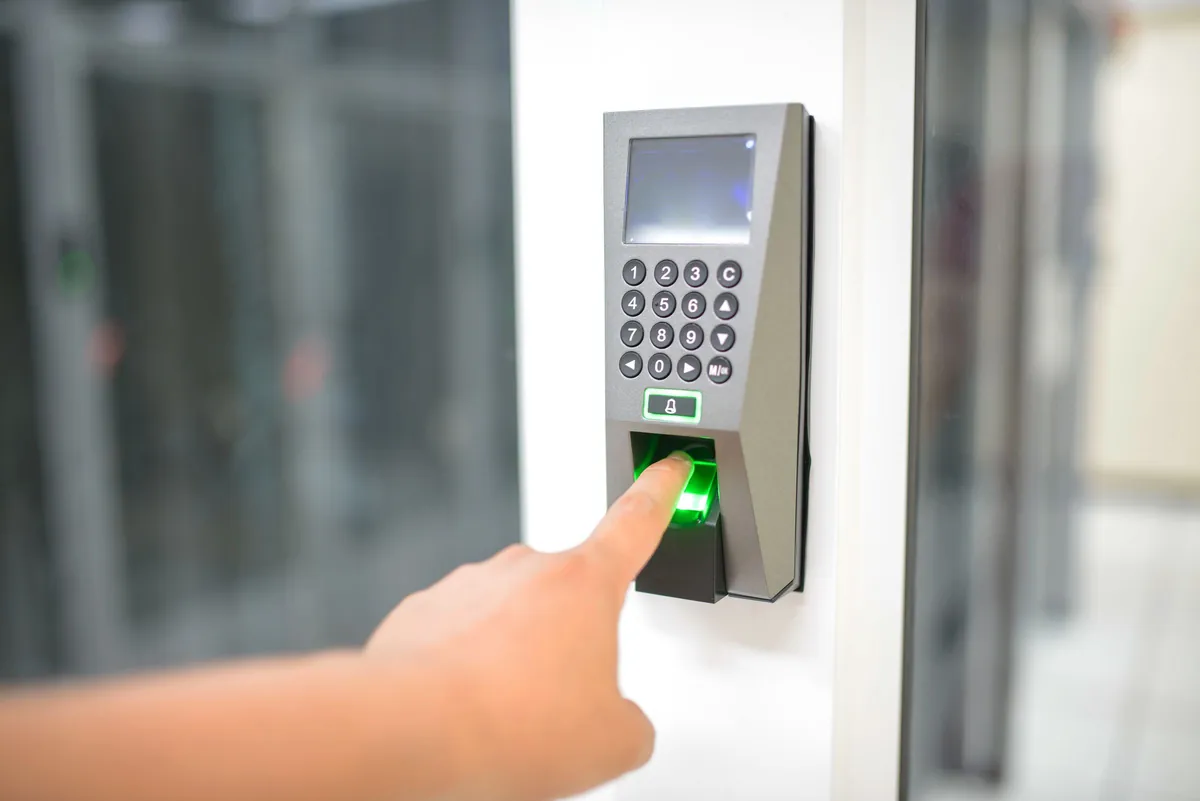
Biometric readers recognise something about the person, most commonly a fingerprint or face. The system stores a digital template rather than a photograph or a fingerprint image.
Why people choose it
- It confirms the person, not just the credential they're carrying.
- Nothing to lose, forget or lend.
- Well suited to rooms where you need to be certain who went in, such as server rooms, medicines rooms or records stores.
What to watch
- Biometric data used to identify people is "special category" data under UK GDPR, so it carries extra legal responsibilities (more on this below).
- Some people won't want to enrol, and some can't (for example, because of skin conditions or injuries). You'll need a fair alternative.
Often a good fit for: high-risk rooms inside offices, education and healthcare settings, rather than every door in the building.
Combining methods
Many buildings mix methods: cards on the main entrance, card plus PIN on the server room, mobile credentials for a managing agent. Match the method to the risk of each door.
Which type suits your building?
Schools and academies
Safeguarding drives everything: controlling who gets past reception, protecting staff-only areas and keeping a clear record of who's been where. Cards or fobs suit staff, with visitors managed through reception.
If you're thinking about biometrics for pupils (for example, for a canteen or library system), the Protection of Freedoms Act 2012 requires schools in England to notify parents and get written consent from at least one parent, and to respect a child's objection. In practice, many schools keep biometrics to staff-only areas, or avoid them altogether.
Our team regularly works through school holidays so installation doesn't disrupt teaching, and our engineers hold enhanced DBS checks.
Care homes
Care homes balance security, dignity and freedom of movement. Staff access to medicines rooms, offices and records is usually by card or fob. Any restriction on a resident leaving should match their care plan and the legal framework that applies, such as the Mental Capacity Act. And every escape route door must release on fire alarm activation, vital where people sleep and may need help to evacuate.
Offices
Cards or fobs on the main entrance and key internal doors cover the basics, with time schedules to lock up out of hours. Mobile credentials suit hybrid working, and server rooms benefit from a second check such as card plus PIN.
HMOs and apartment blocks
Residents want easy entry; managing agents want old fobs to stop working when tenants leave. Fobs on communal entrances, often linked to a door entry intercom, are common, and mobile credentials suit high tenant turnover. Clear escape routes matter greatly in shared housing, so door release on fire alarm activation is a must.
Industrial and warehouse sites
Hardware needs to be tough: weather-resistant readers, durable locks and sensible separation between offices, production areas and stores. Vehicle gates and barriers can be included, and logs show who's on site.
Fire alarm integration: the part you can't skip
An access control system must never trap people inside. Under the Regulatory Reform (Fire Safety) Order 2005, emergency exit doors must not be locked or fastened so that they can't be easily and immediately opened by anyone who needs to use them in an emergency. If your access-controlled doors are on an escape route, they have to let people out, every time.
In practice, that usually means:
- Doors release automatically when the fire alarm activates. The fire alarm system sends a signal to the access control system or directly to the door locks. That connection is an interface between two systems, and BS 5839-1 gives recommendations for how fire alarm interfaces with other systems should be designed so that a fault in one doesn't stop the other doing its job.
- Fail-safe locks on escape routes. A fail-safe lock (such as a magnetic lock) releases when it loses power, so a power cut or a cut cable opens the door rather than locking it. Fail-secure locks stay locked without power and are generally only suitable where the door isn't needed for escape.
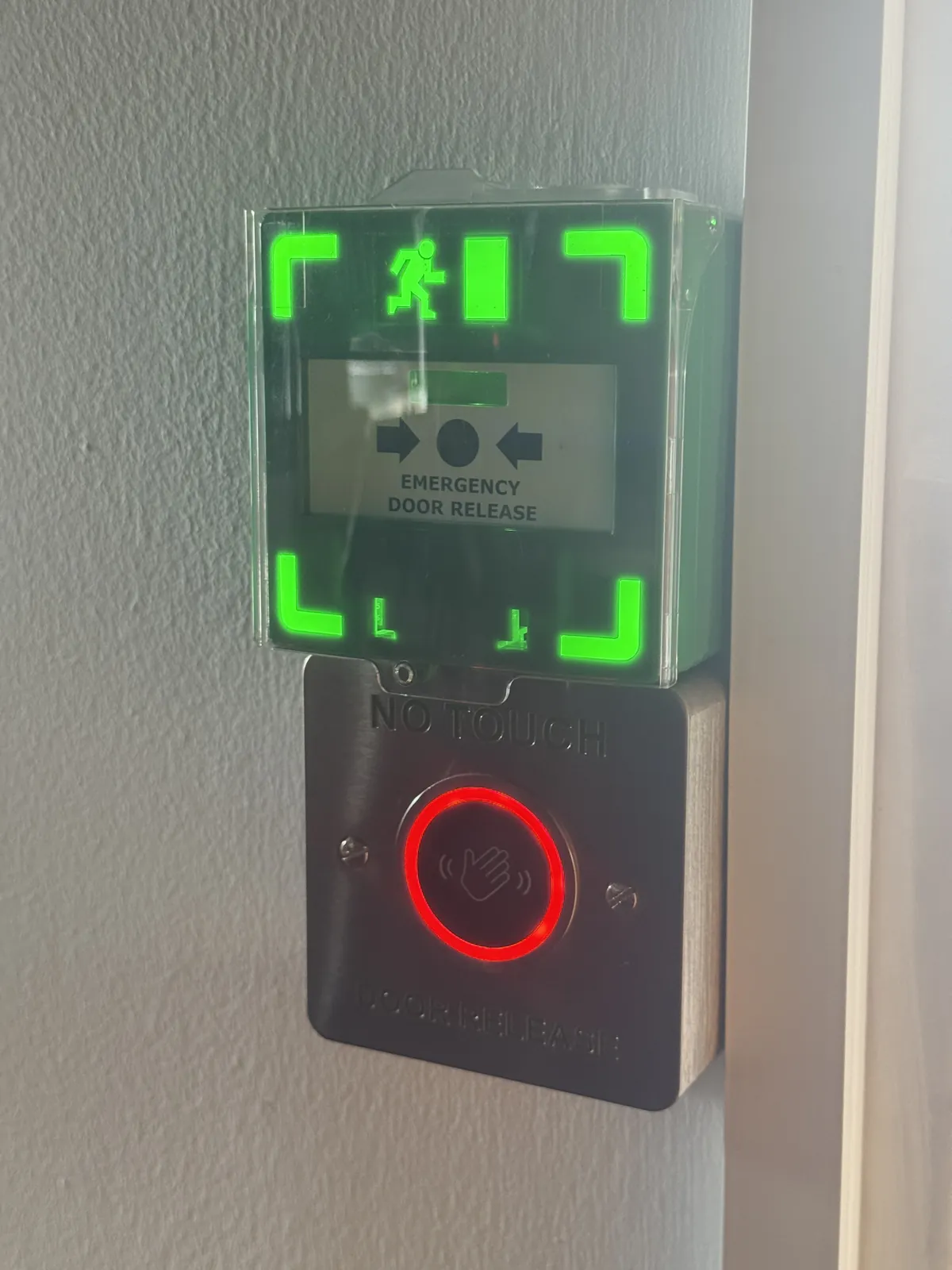
- A green emergency door release unit beside the door. This lets anyone release the door manually if something goes wrong.
- Door release designed to BS 7273-4. This standard covers how fire alarm signals should actuate the release of electrically locked doors, and it sets out different categories of actuation depending on how critical the door is for escape. Your installer should be able to explain which category applies to each door and why.
Because SAFE designs, installs and maintains fire alarms and access control under one roof, both systems are planned together from the start, whether your building is in Halesowen or you need fire alarms in Stourbridge.
UK GDPR basics for access control
Access control systems collect personal data, so you need to handle it properly. In plain terms:
- Know why you're collecting it. Usually it's for security and safety, which you should be able to explain.
- Only keep what you need. Set a sensible retention period for event logs and delete older records.
- Tell people what the system records, typically through a privacy notice.
- Restrict who can see the logs and keep the software secure.
- Be ready for requests. People can ask to see the personal data you hold about them.
- Take extra care with biometrics. Because it's special category data, you'll need an additional legal condition for processing it, and a Data Protection Impact Assessment is usually expected before you start. Always offer a non-biometric alternative.
The Information Commissioner's Office (ICO) publishes clear guidance on all of this.
Making access control accessible
The Equality Act 2010 means organisations need to make reasonable adjustments so disabled people aren't put at a disadvantage. For access control, that often includes:
- Readers and exit buttons fitted at a height that wheelchair users can reach.
- Clear audible and visual signals when access is granted or refused.
- Door release times long enough for people who move more slowly, and powered door openers where needed.
- An alternative way in, such as remote release from reception or an intercom, for anyone who can't use the standard credential.
Looking after your system
A good maintenance visit checks that locks release correctly (including on fire alarm activation), tests exit buttons and emergency release units, checks batteries and power supplies, and looks at door closers and software. Your side is housekeeping: remove leavers promptly and review who can reach sensitive areas.
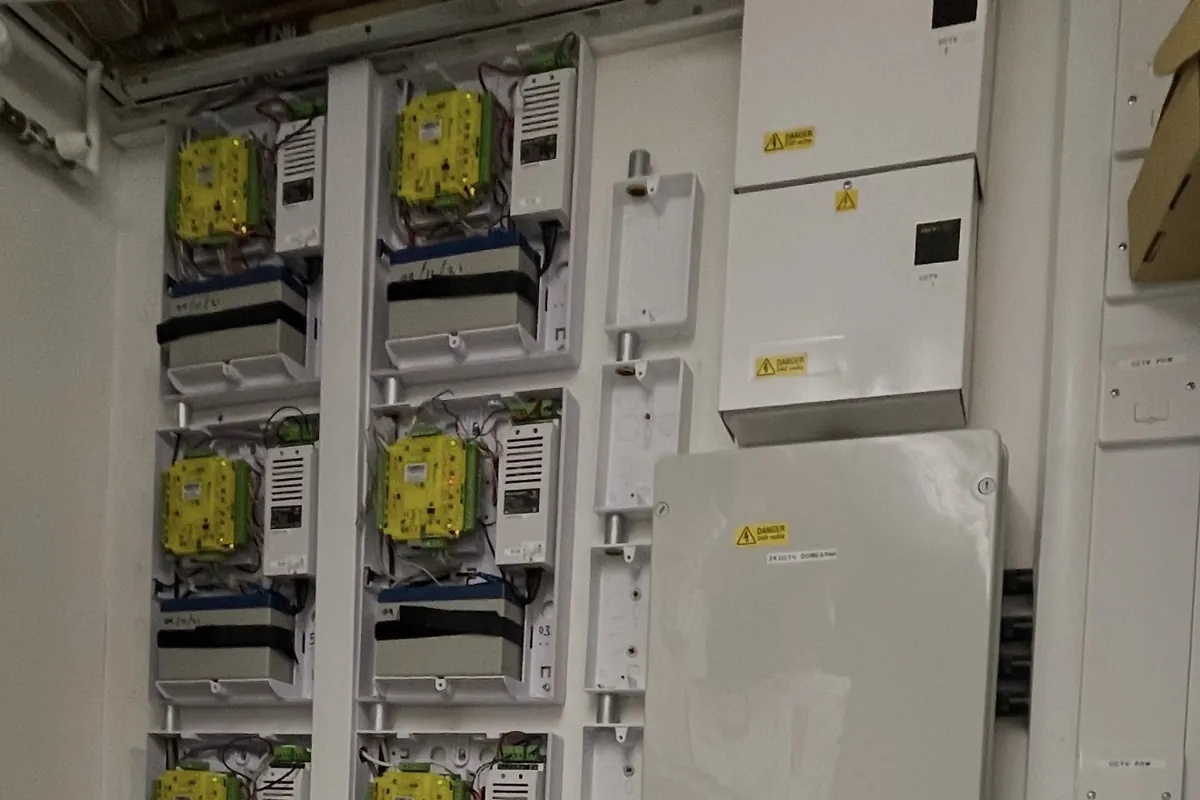
Our maintenance contracts keep your system reliable and give you emergency breakdown cover, so if a door won't secure or won't release, you know who to call.

What affects the cost of an access control system?
Every building is different. The main things that shape the cost are:
- How many doors need controlling, and whether they're internal, external or gates.
- The type of credential you choose, and how many users you have.
- The condition of your doors. Some need new closers, frames or hardware before they can take an electric lock.
- Cabling routes and whether wired or wireless locks make more sense for your building.
- Integration with your fire alarm, CCTV, intercom or door entry system.
- Software, management and ongoing maintenance.
A site survey is the quickest way to turn this list into real figures for your building.
Frequently asked questions
What is the most common type of access control system in the UK?
Card and fob systems are among the most widely used, because they're simple and easy to manage.
Do access-controlled doors have to open when the fire alarm goes off?
Doors on escape routes must let people out easily and immediately. That usually means automatic release on fire alarm activation, fail-safe locks and a green emergency release unit, designed in line with BS 7273-4 and BS 5839-1.
Can I add access control to my existing doors?
Often, yes, though some doors need a new closer, frame or hardware first. A survey will show what's suitable.
Is biometric access control legal for schools?
It can be, with extra rules: it's special category data under UK GDPR, and schools in England need written parental consent before using pupils' biometric data.
Can you take over a system someone else installed?
Yes. Our team can review your existing system, including its fire alarm link, and advise on what it needs.
How long should we keep access control logs?
There's no fixed period. Keep logs only as long as you need them for security, and write that period into your policy.
Ready to choose the right system for your building?
You don't need to become an access control expert. You need a system that keeps the right people in, the wrong people out, and everyone safe when the alarm sounds.
SAFE Fire & Security Systems was founded in Halesowen by Martin and Adam, two engineers who previously worked for large national companies. We're NSI approved and an NICEIC approved electrical contractor, with fire, security and electrical under one roof, and we know schools and academies especially well.
Here's how it works:
- Book a free site survey. We visit and see what your building needs.
- Get clear advice. We guide you to a compliant solution and give you the costs.
- Feel confident. Your doors work for your people every day, and release safely when it matters most.
Call our team on 0333 224 0247 (office hours Monday to Friday, 08:30 to 17:00) or request your free site survey online.

Leave a comment